Virtual reality tournaments have always been an important part of WARPOINT. VR arenas of the brand all over the world are keen to hold VR competitions. But different WARPOINT VR arenas used to handle tournament brackets in completely different ways: some laid the brackets out in Photoshop, some turned to third-party services, and some drew them on a whiteboard with a marker. On top of that, the rules for playing out the matches in the bracket could differ from arena to arena.
The TOURNAMENT BRACKET service was built to reduce these differences and make working with tournament brackets smoother and more convenient. It is currently in beta testing, but already offers plenty of features.
The TOURNAMENT BRACKET service was built to reduce these differences and make working with tournament brackets smoother and more convenient. It is currently in beta testing, but already offers plenty of features.
Working with TOURNAMENT BRACKET
The whole process of working with a tournament bracket in TOURNAMENT BRACKET has been simplified to an intuitive level. Everything is now brought together in a single app with a simple interface.
The main menu
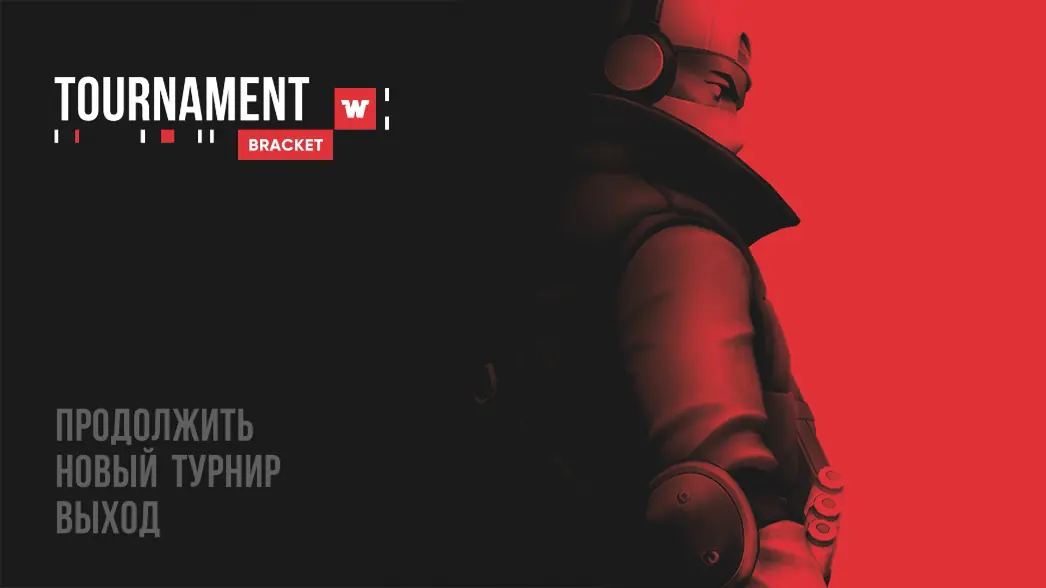
When the TOURNAMENT BRACKET app starts, a menu with three buttons appears:
- “Continue” — lets you carry on with a tournament you have already started.
- “New tournament” — takes you to creating a new bracket for a new tournament.
- “Exit” — closes the app.
Creating a new tournament
To create a new tournament you need to fill in a form divided into four sections.
1. General information
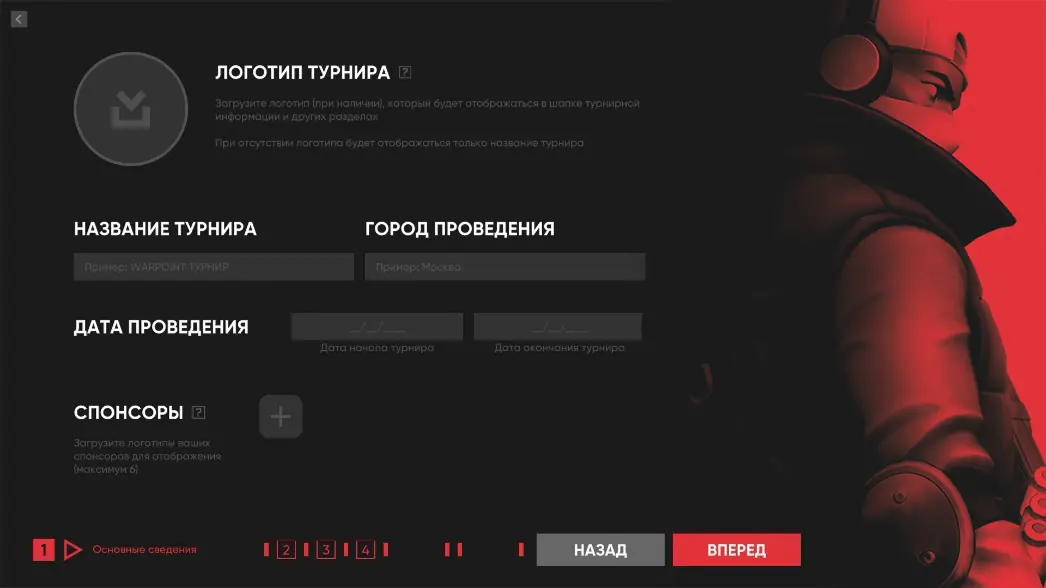
This section lets you upload the tournament logo (recommended aspect ratio 1:1, PNG format) and enter the tournament name, the host city and the start and end dates. Here you can also add sponsor logos (up to six, aspect ratio 21:9, PNG format).
1. General information
This section lets you upload the tournament logo (recommended aspect ratio 1:1, PNG format) and enter the tournament name, the host city and the start and end dates. Here you can also add sponsor logos (up to six, aspect ratio 21:9, PNG format).
2. Tournament format
At the moment TOURNAMENT BRACKET supports the single-elimination format with a choice of the number of teams (8, 16 or 32). You can also switch on the losers bracket, as in the Double Elimination format.
At the moment TOURNAMENT BRACKET supports the single-elimination format with a choice of the number of teams (8, 16 or 32). You can also switch on the losers bracket, as in the Double Elimination format.
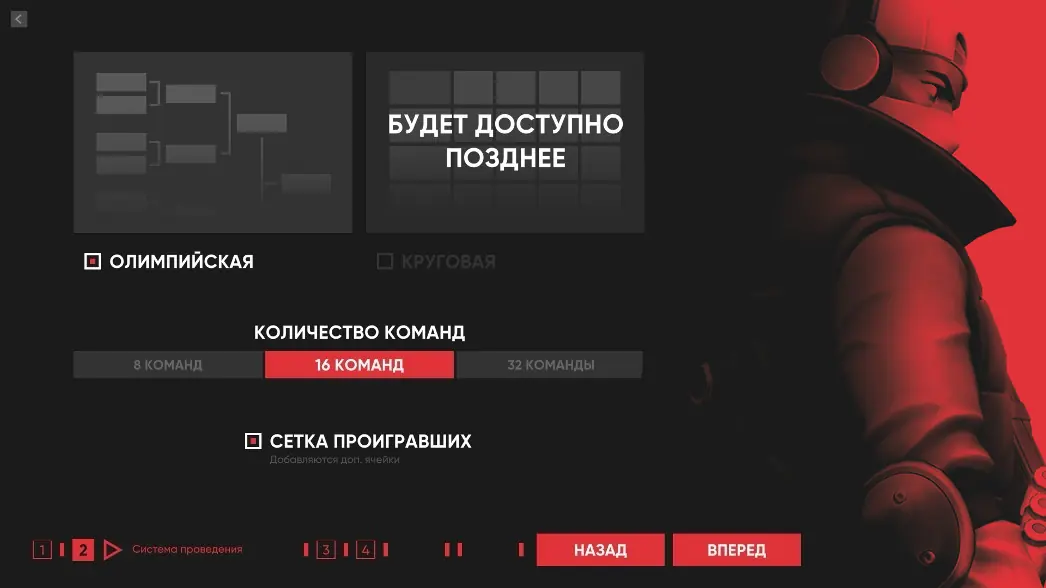
Support for a round-robin bracket is planned for the near future.
3. Team information
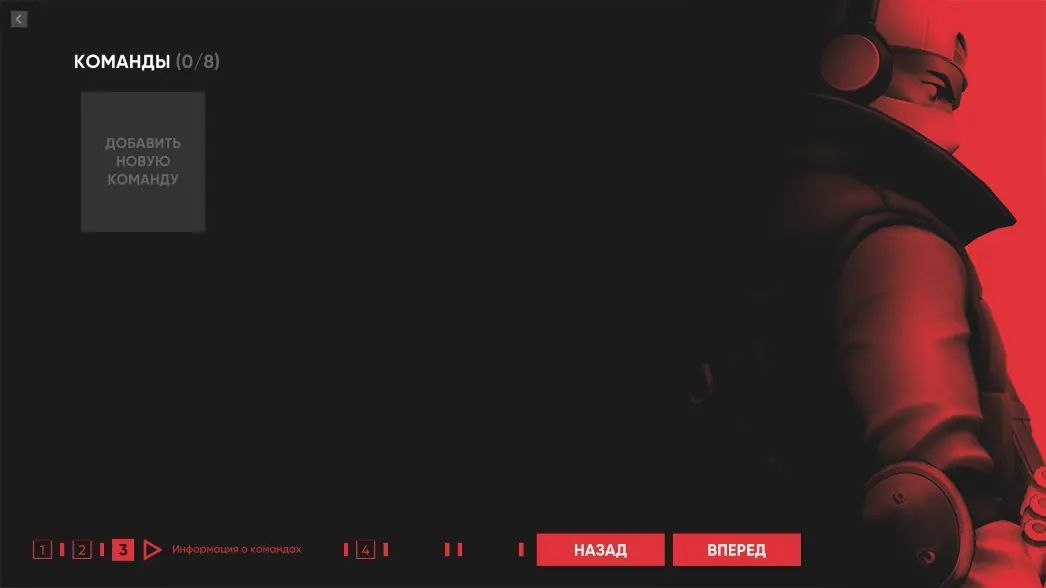
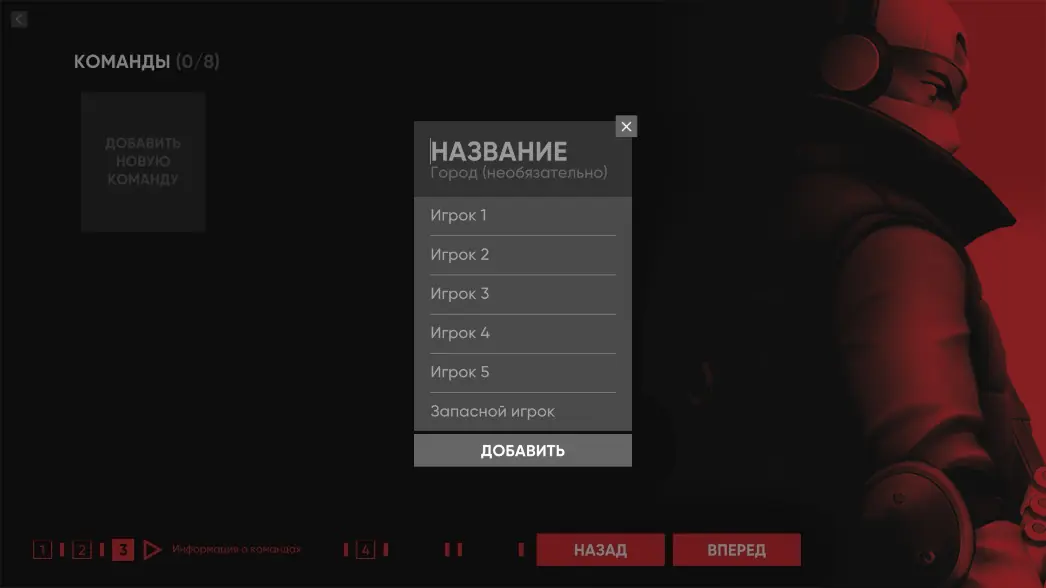
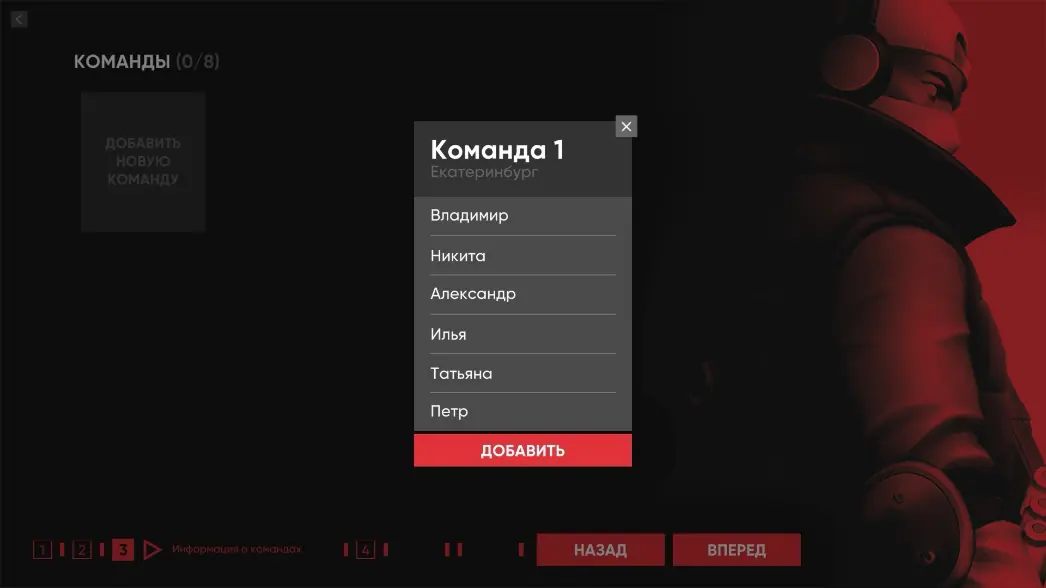
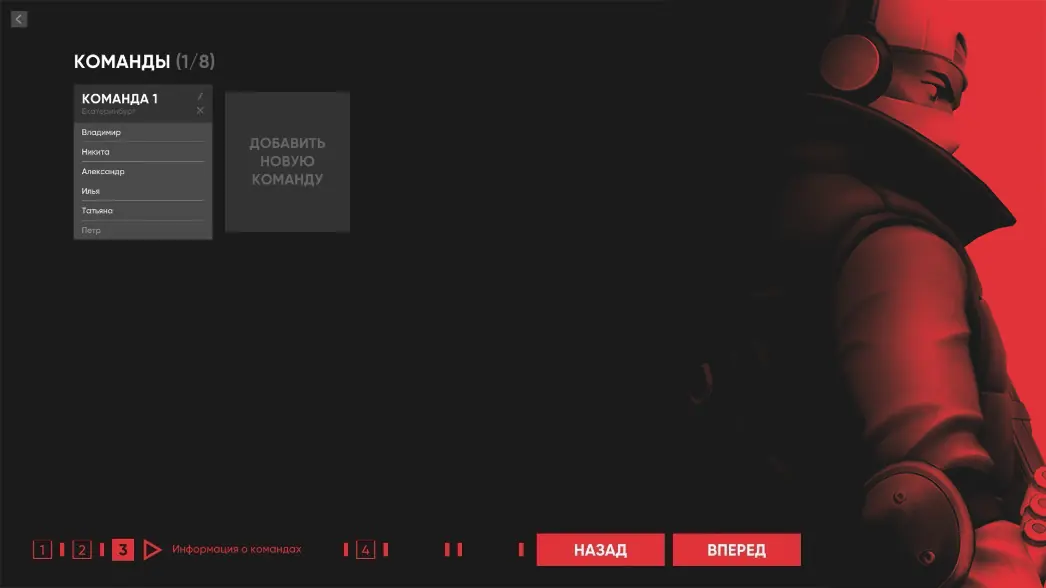
In this section you can add teams, entering the details of at least two players. Each team can be deleted or edited.
In this section you can add teams, entering the details of at least two players. Each team can be deleted or edited.
4. Seeding the teams
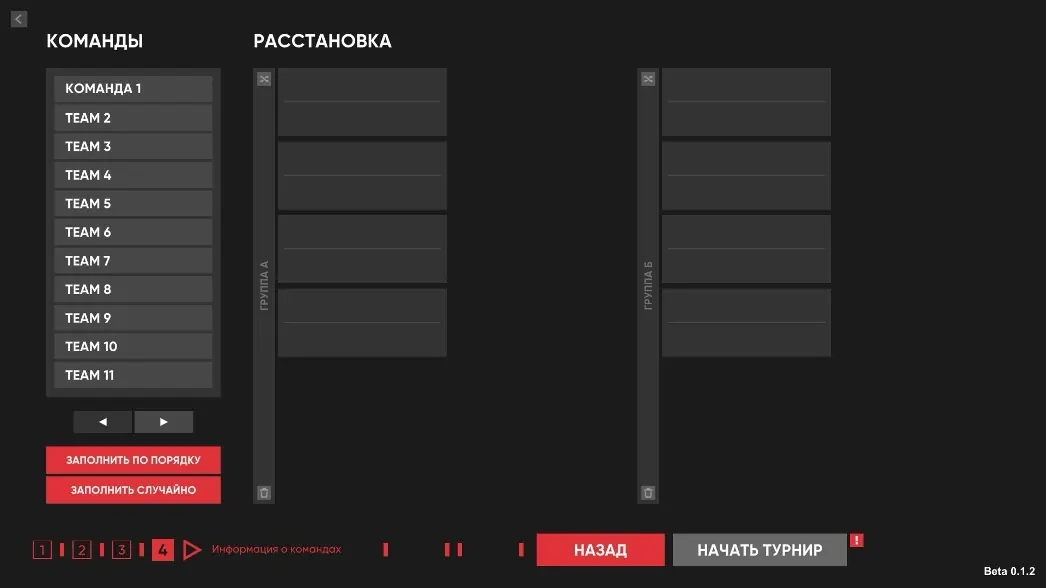
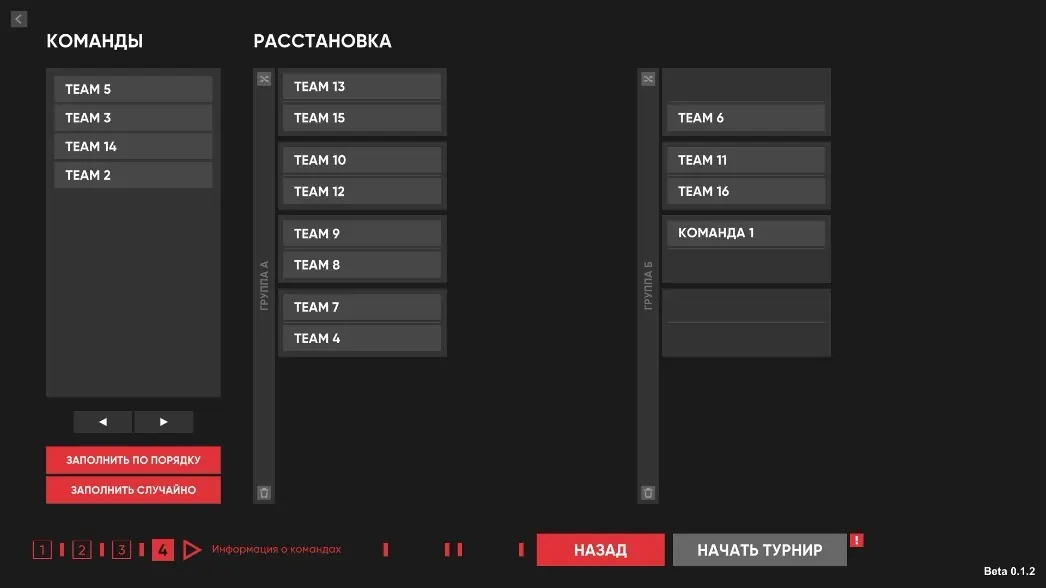
You can seed the teams manually by dragging them with the mouse, or use the buttons for automatic seeding and shuffling.
You can seed the teams manually by dragging them with the mouse, or use the buttons for automatic seeding and shuffling.
How does TOURNAMENT BRACKET work during a tournament?
The match results are entered manually by the bracket administrator. As the score is entered, the window with the tournament bracket updates automatically, live. You can also save a screenshot of the bracket with a dedicated button.
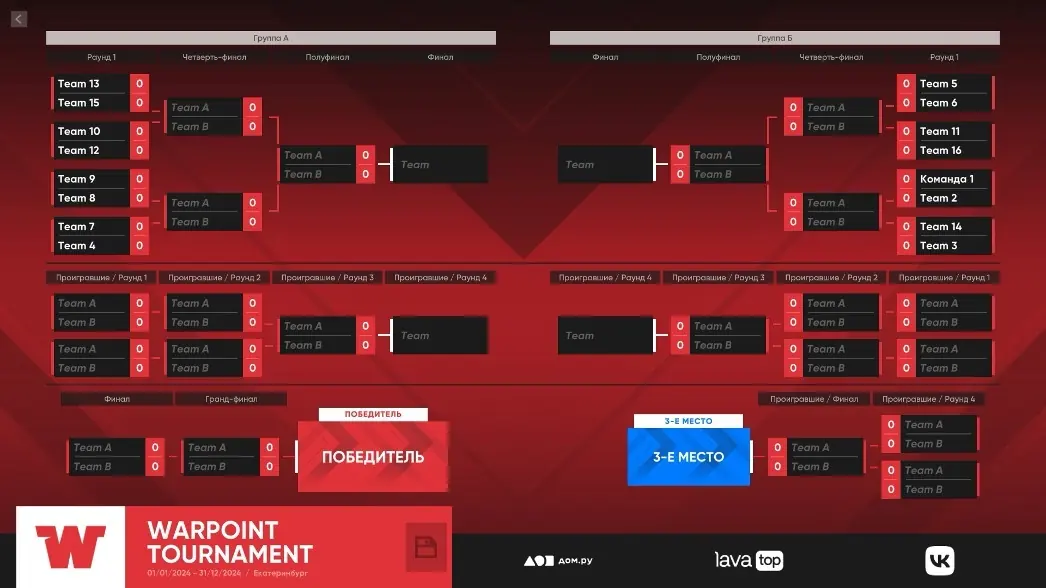
The roadmap for the app
In version Beta 0.2.0
In version Beta 0.3.0
In version Release 1.0.0
The TOURNAMENT BRACKET app will become an indispensable helper for tournament organisers, simplifying the creation and management of the bracket.
- Tournament history (every tournament held since version Beta 0.1.0 will be saved).
- Multiple languages (support for English and other languages).
- The option to mark the team captain and add their contact details.
In version Beta 0.3.0
- A round-robin tournament format.
- Viewing match details in full-screen mode.
- Viewing the tournament winner in full-screen mode.
- An animated draw for the teams.
In version Release 1.0.0
- Integration with the WARPOINT BATTLE rating system
The TOURNAMENT BRACKET app will become an indispensable helper for tournament organisers, simplifying the creation and management of the bracket.